Operations in VRC Pleasure
Note
This page is automatically translated from Japanese to English. Please refer to the original Japanese page for the most accurate information.
Connecting with Intiface Central
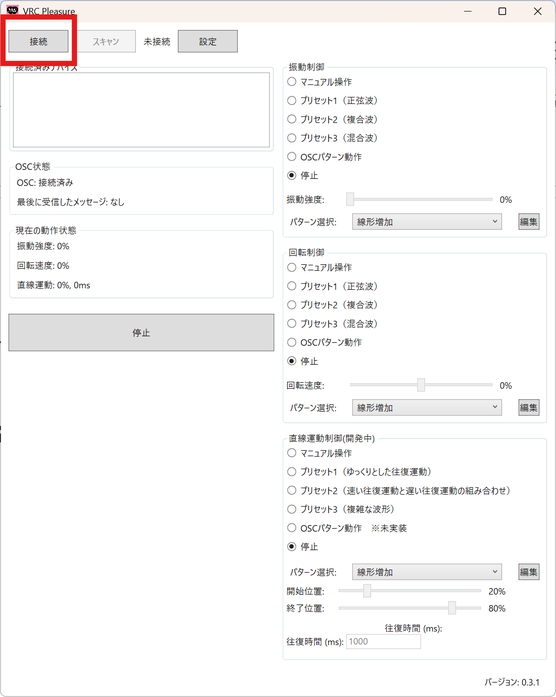
After confirming that Intiface Central is configured and running, launch the VRC Pleasure application and click "Connect" in the top left. Device scanning will start automatically, and if a device is found, its name will be displayed on the GUI. If it is not displayed, click "Scan" again manually.
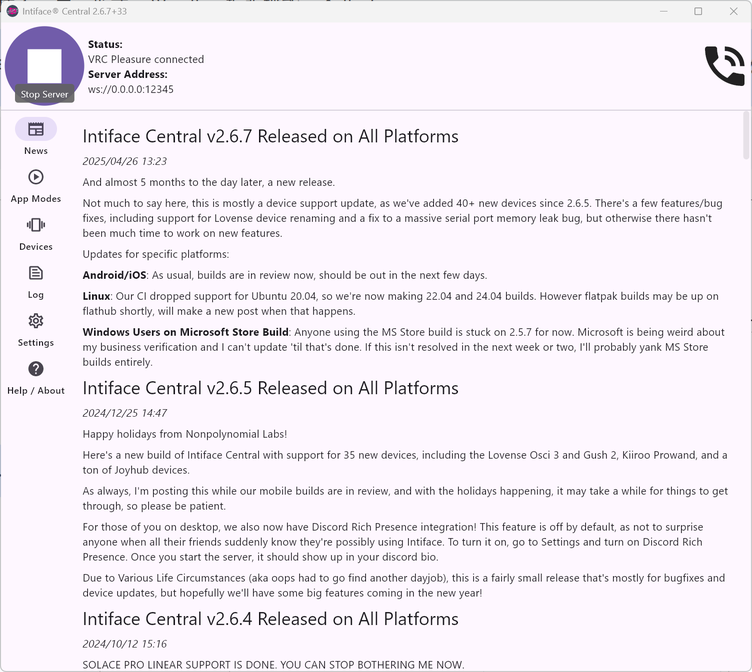
If "VRC Pleasure connected" is displayed on the Intiface Central side, the connection is successful.
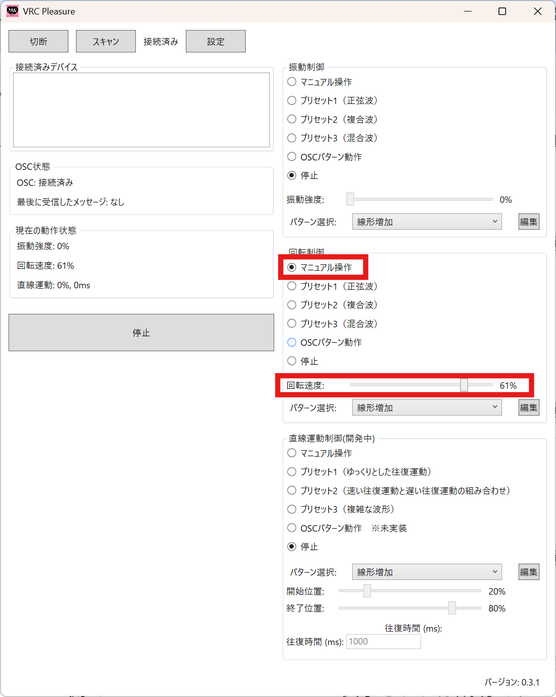
Expand the tab to the left of the displayed device, and if the device operates when you change the speed or intensity in "Manual Control," it is ready for use.
Selecting Gimmicks for OSC Pattern Operation
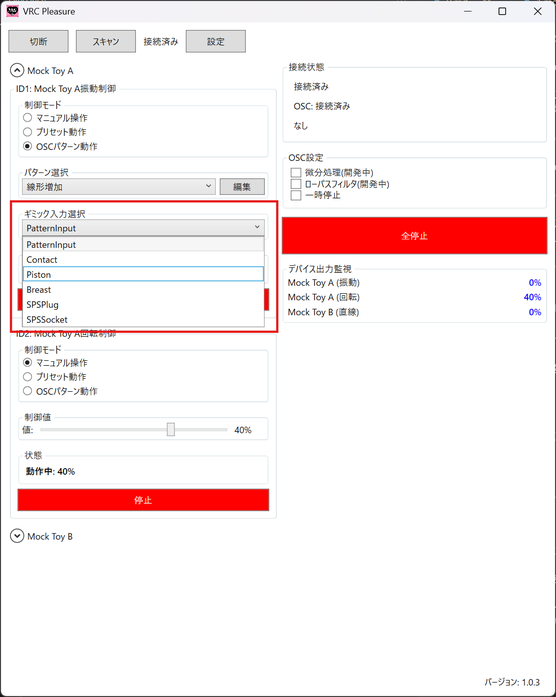
When using OSC pattern operation, select the gimmick(s) to be used.
Note that PatternInput is a gimmick for backward compatibility with avatar gimmick v1.0.0.
About Linear Motion Control Modes
Devices with linear motion capabilities can select from three control modes in VRC Pleasure.
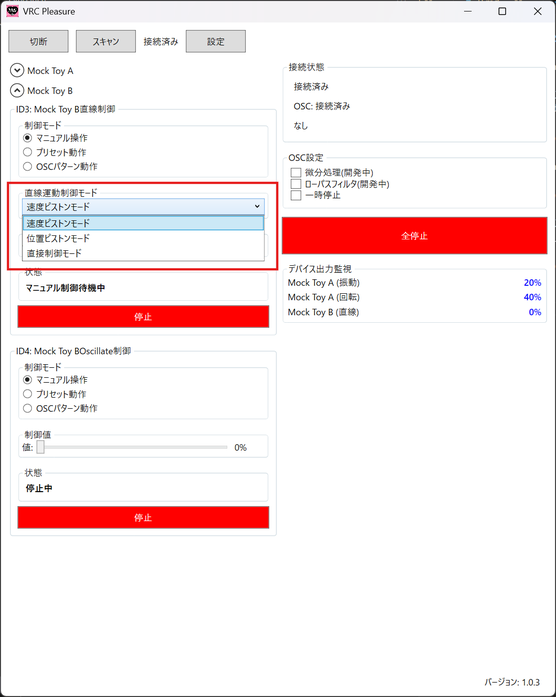
-
Speed Piston Mode
This mode operates the device by specifying its speed.
-
Position Piston Mode
This mode operates the device by specifying the length of its reciprocating motion.
-
Direct Control Mode
This mode operates the device by directly specifying its position.
These are the three modes available.
In all control modes, including OSC pattern operation, the control values are interpreted according to the operation specified by the Linear Motion Control Mode. If the operation seems strange, please adjust the "Timer Settings" in Advanced Settings of VRC Pleasure.