Connecting Intiface Central and Devices
Note
This page is automatically translated from Japanese to English. Please refer to the original Japanese page for the most accurate information.
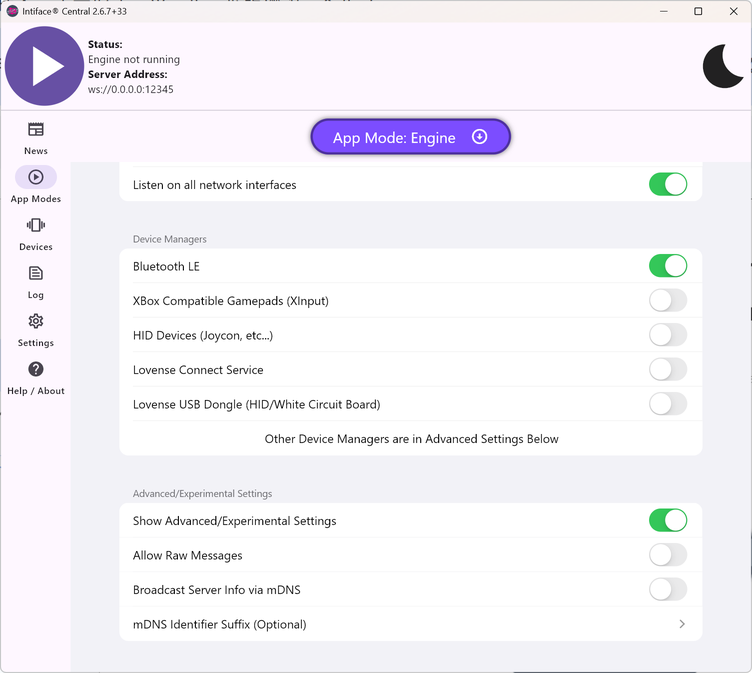
Launch Intiface Central and configure the settings from "App Models > Device Managers" according to your device. Note that most devices should work with the initial "Bluetooth LE" setting turned ON.
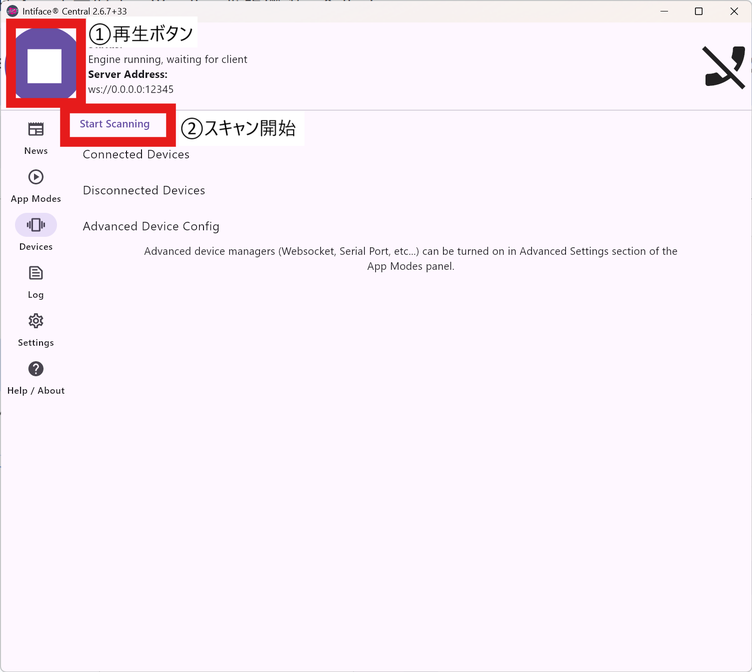
After that, click the play button in the upper left to set it to "Engine running," then go to the "Devices" tab and click "Start Scanning" to connect your device.