Introduction to the Expression Menu
Note
This page is automatically translated from Japanese to English. Please refer to the original Japanese page for the most accurate information.
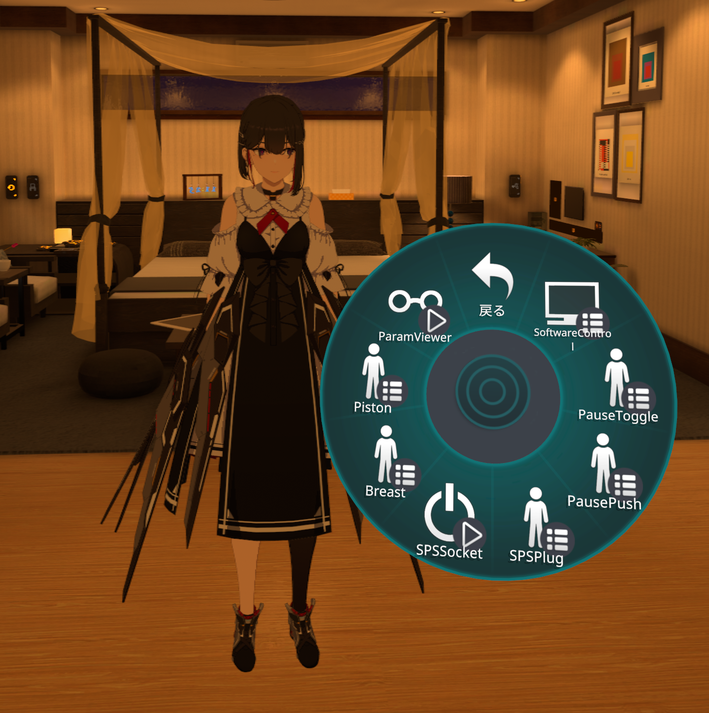
When VRC-Pleasure is introduced to your avatar, a dedicated submenu is added to the Expression Menu. Here, we will explain the function of each menu in order.
Info
Functions omitted during installation will not be displayed here.
SoftwareControl
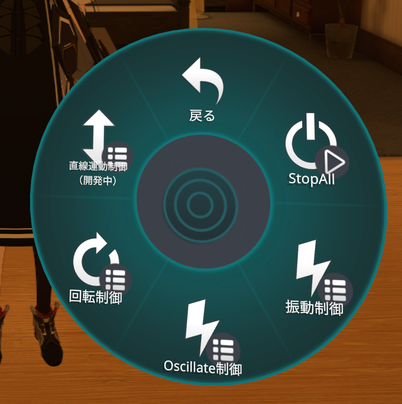
This menu allows you to switch the operation mode of each VRC-Pleasure core function (vibration, rotation, etc.) from within VRChat.
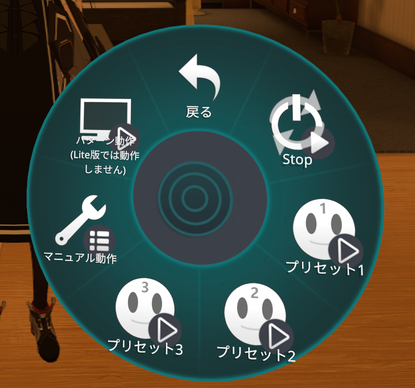
When you open the menu for each function, you can select the following operation modes:
- Stop: Stops the operation.
- Preset 1-3: Automatically operates with pre-configured patterns.
- Manual Control: Directly controls the intensity, etc., manually from the Expression Menu.
- OSC Pattern Operation: Operates in conjunction with avatar movements, such as Breast or Piston.
Details of "Manual Control"
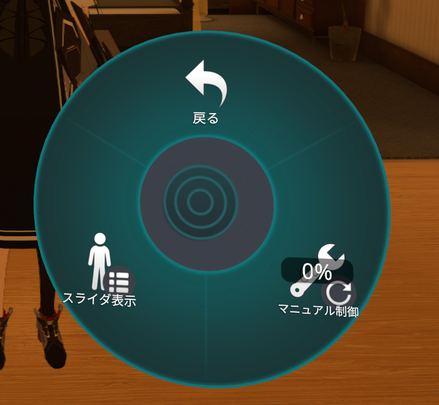
This menu is for manually controlling the device.
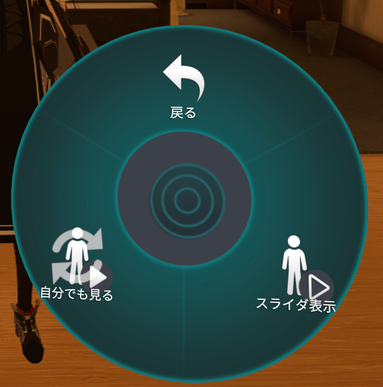
- Manual Control: Allows intuitive adjustment of operation intensity using a Radial Puppet (circular UI).
- Slider Display: Allows operation by directly touching the displayed slider gimmick.
"Slider Display" Menu
Configures how the slider gimmick is displayed.
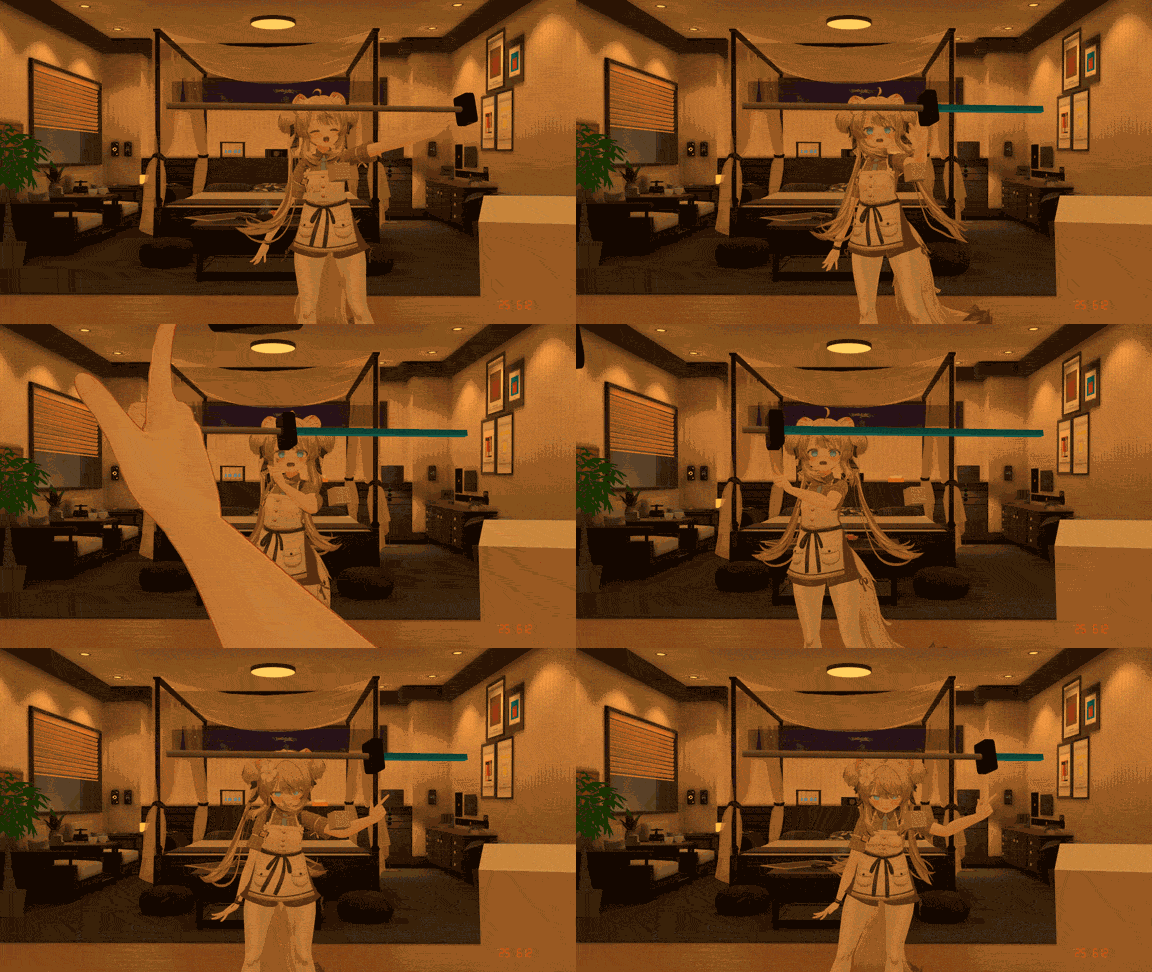
- Slider Display ON/OFF: Toggles whether the slider gimmick itself is displayed.
- See Myself: Sets whether the displayed slider (when ON) is visible to you. (When OFF, it is only visible to other players.)
ParamViewer
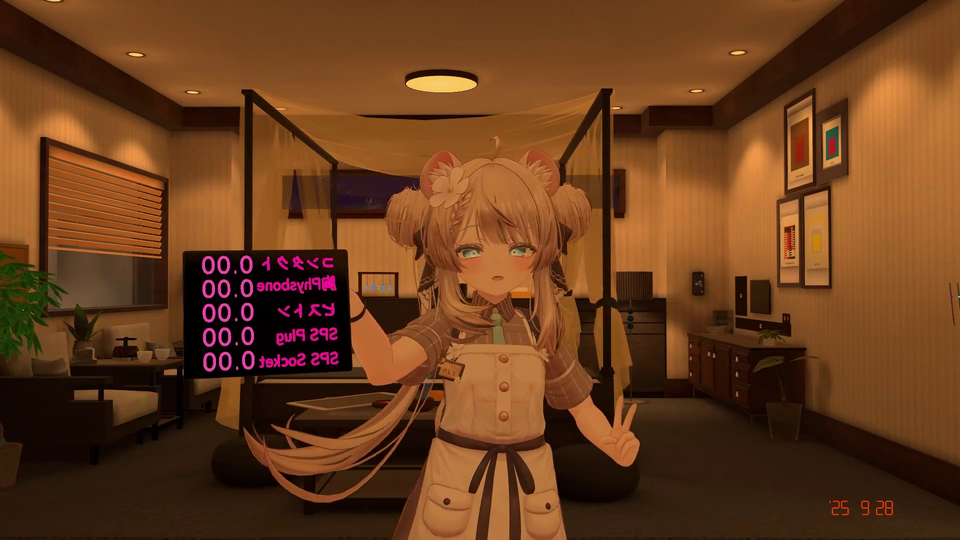
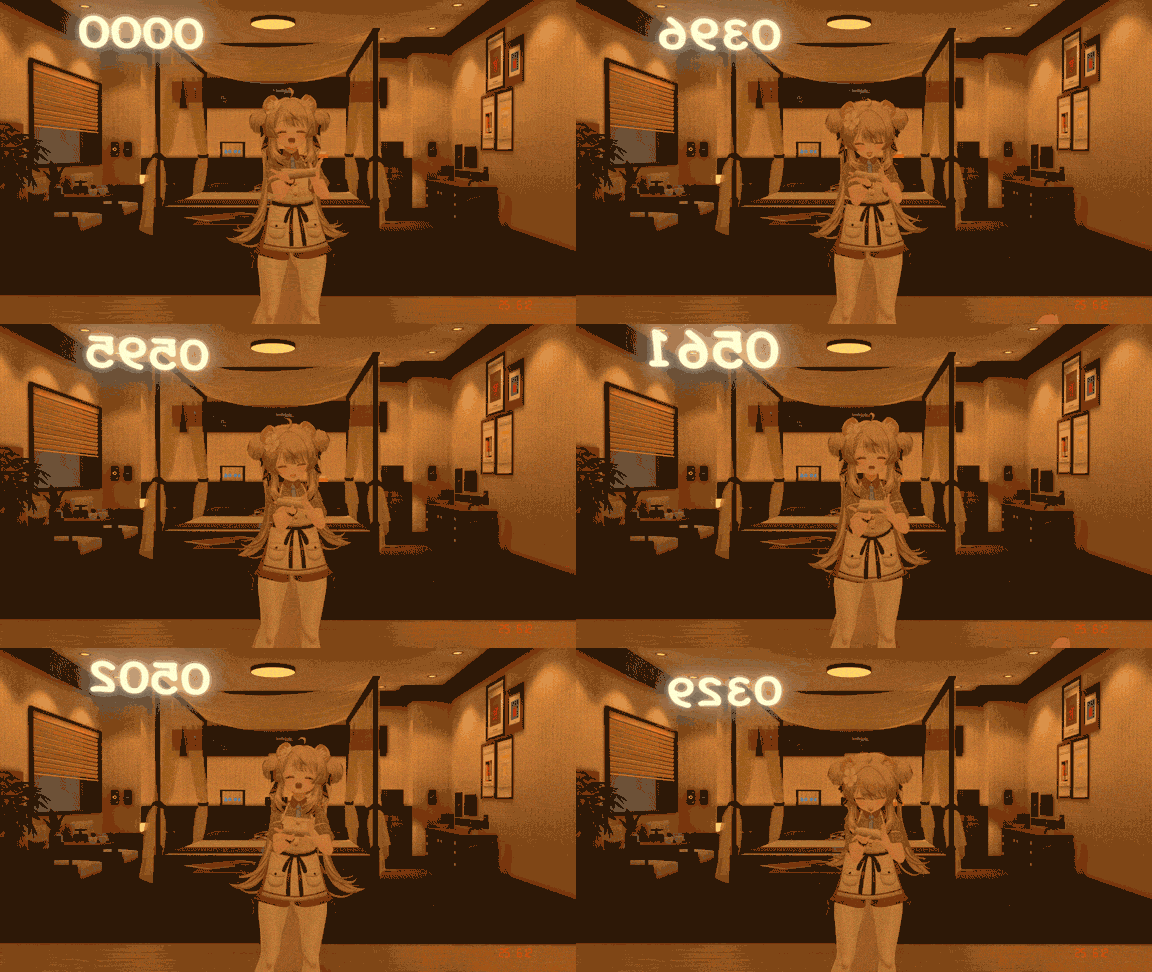
This function displays the values of OSC parameters (such as PhysBones and SPS) being sent from VRChat based on avatar movements, on the avatar gimmick's tablet for debugging purposes. You can toggle the display ON/OFF and the world-fixed setting ON/OFF from the menu.
Contact ON/OFF
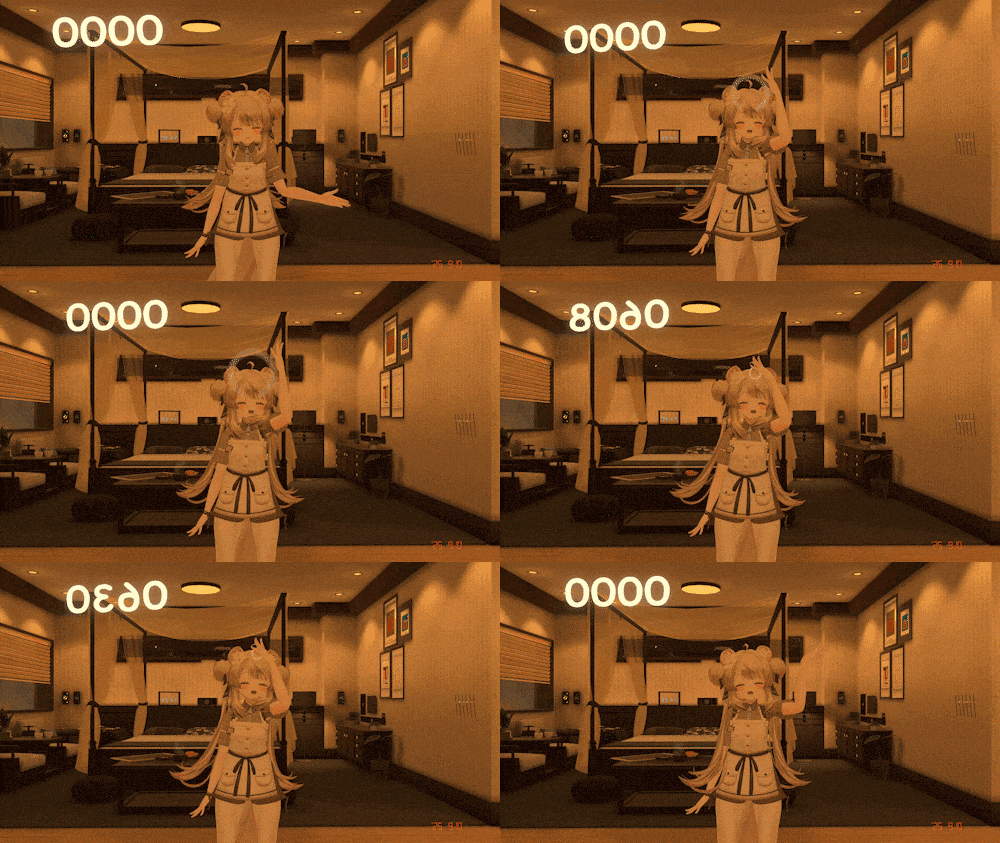
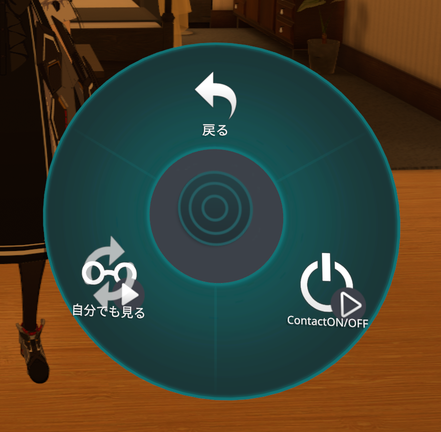
This function allows you to set up contacts on arbitrary parts of the avatar to control the device's operation.
Piston Function
This gimmick allows you to operate the device by touching your own or another person's avatar. You can enjoy a similar operational feel even with partners who do not have SPS installed.
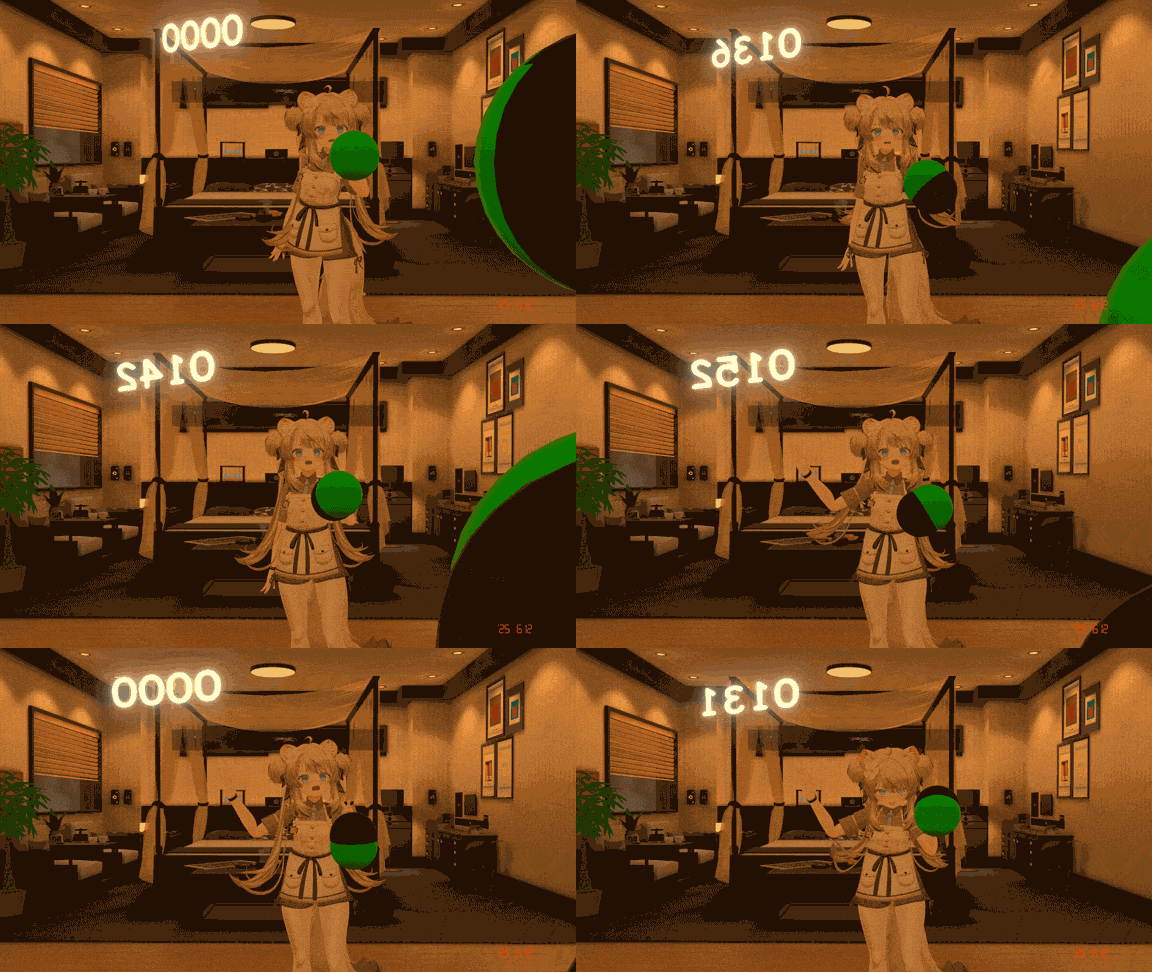
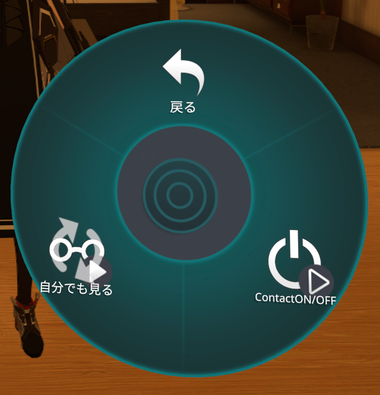
- Contact ON/OFF: Toggles the overall enablement/disablement of the Piston function.
- See Myself: Toggles whether the Piston contact detection (contact) is visible to you.
Breast PB
This function controls the device's operation based on the sway (angle) of PhysBones set on the avatar's chest, etc.
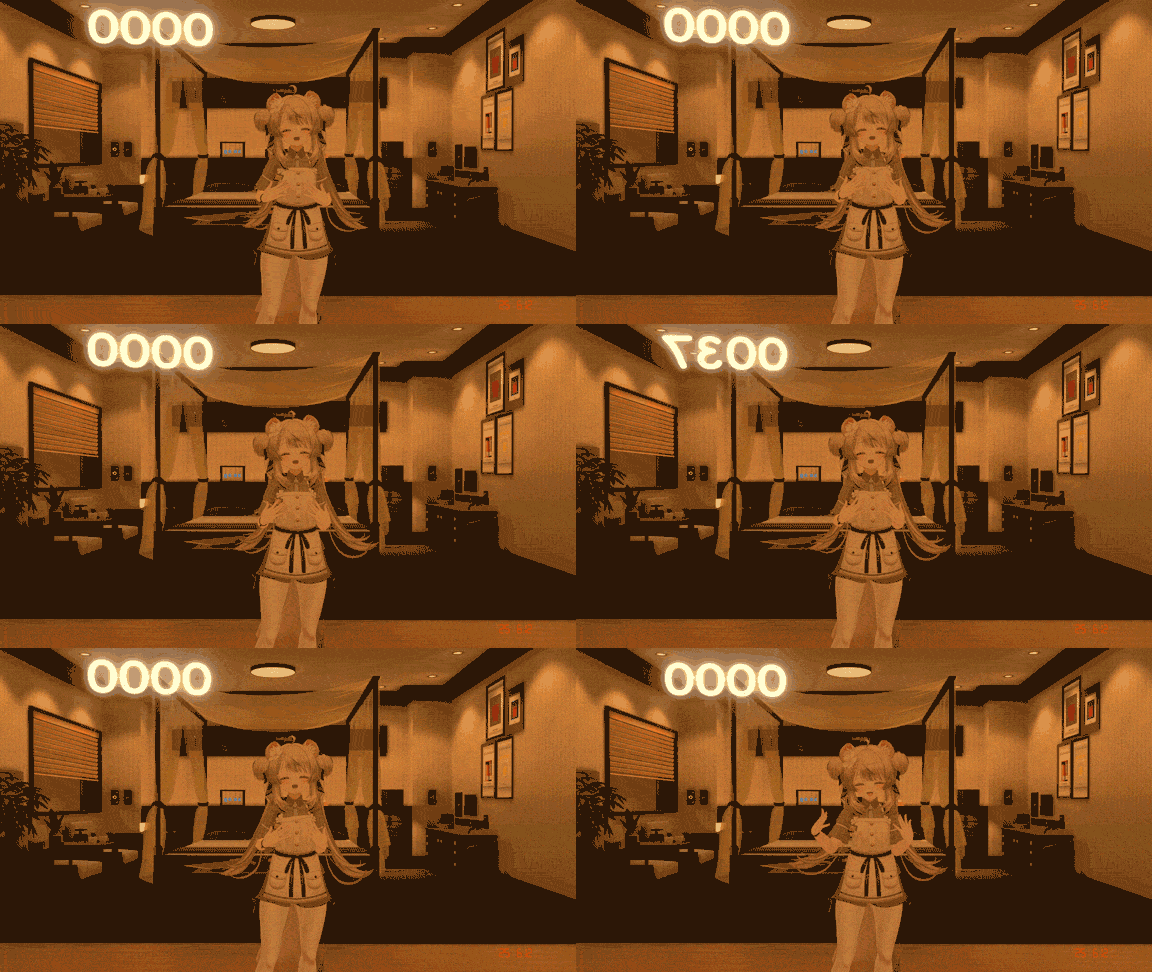
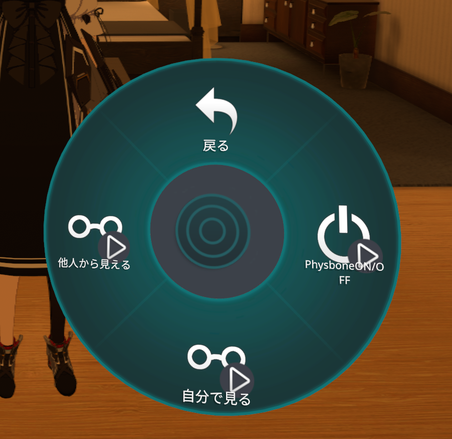
- Physbone ON/OFF: Toggles the overall enablement/disablement of the Breast function.
- Visible to Others: Toggles whether the object visualizing the PhysBone sway is visible to other players.
- See Myself: Toggles whether the visualization object is visible to you.
SPS Socket
Toggles ON/OFF whether parameters sent from the Socket side of SPS (Standard Penetration System) are forwarded to VRC-Pleasure.
SPS Plug
This menu is for configuring the Plug side of SPS.
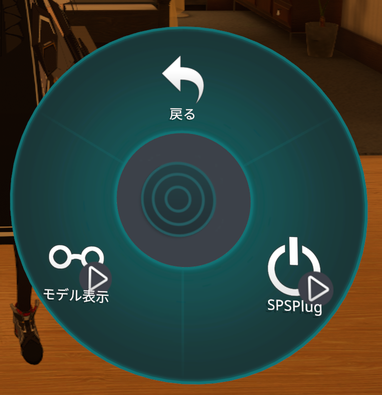
- SPS Plug ON/OFF: Toggles the overall enablement/disablement of the SPS Plug function.
- Model Display: Toggles whether the 3D model of the SPS Plug is displayed.
Pause Toggle/Hold
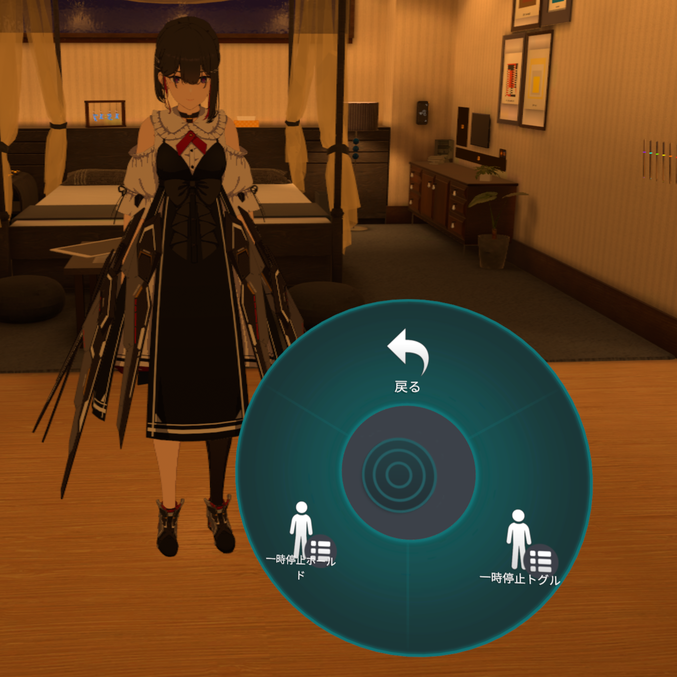
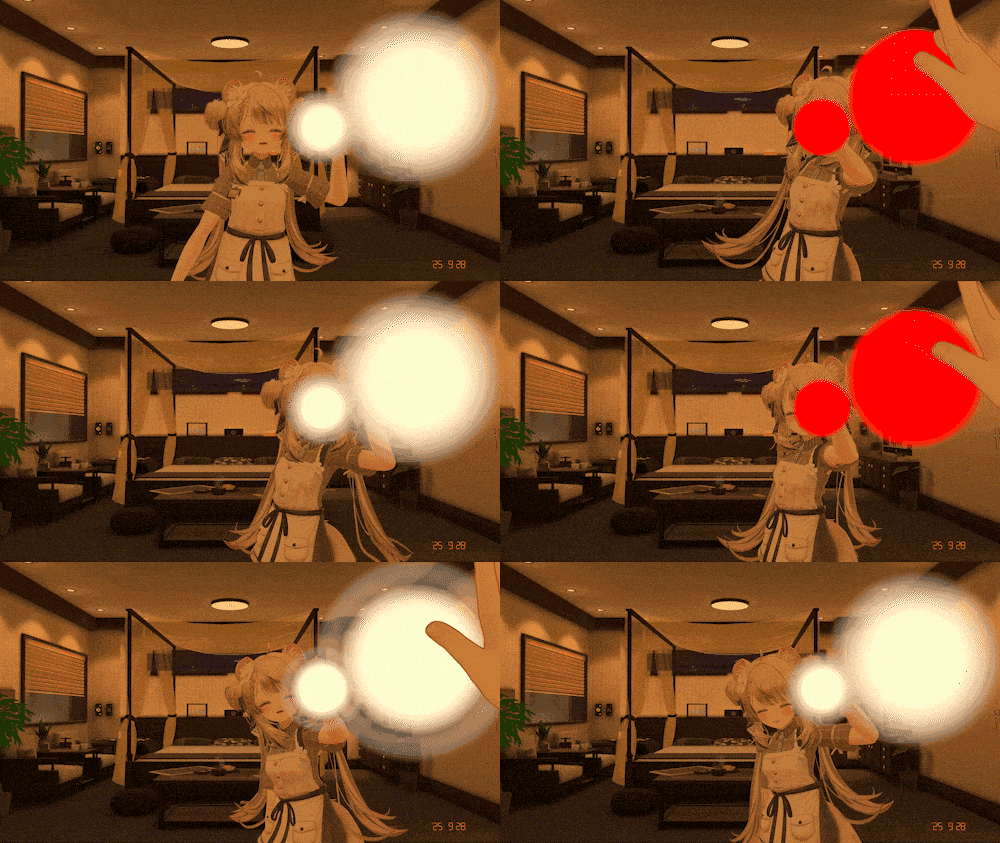
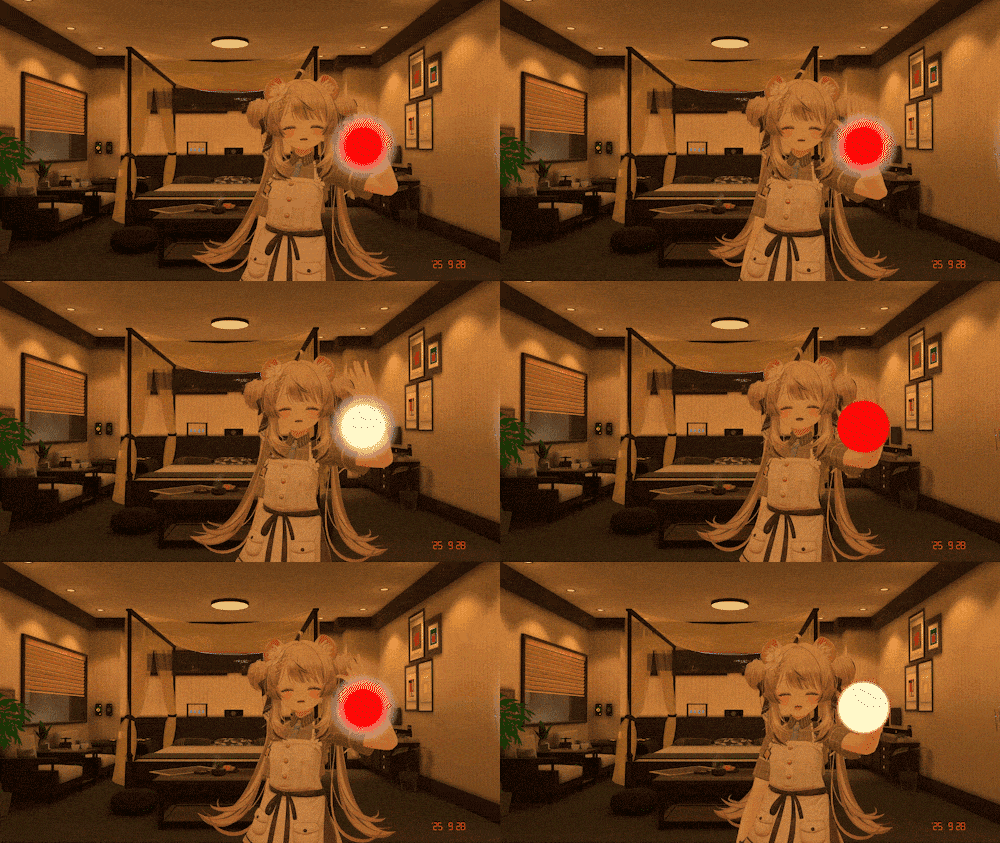
This function is for temporarily pausing/resuming the operation of all devices.
-
Pause Hold: Pauses only while being touched.
-
Pause Toggle: Toggles between pause and resume with each touch.
-
Contact ON/OFF: Toggles the overall enablement/disablement of the Pause function.
- See Myself: Toggles whether the Pause contact detection (contact) is visible to you.