Downloading and Installing Intiface Central
Note
This page is automatically translated from Japanese to English. Please refer to the original Japanese page for the most accurate information.
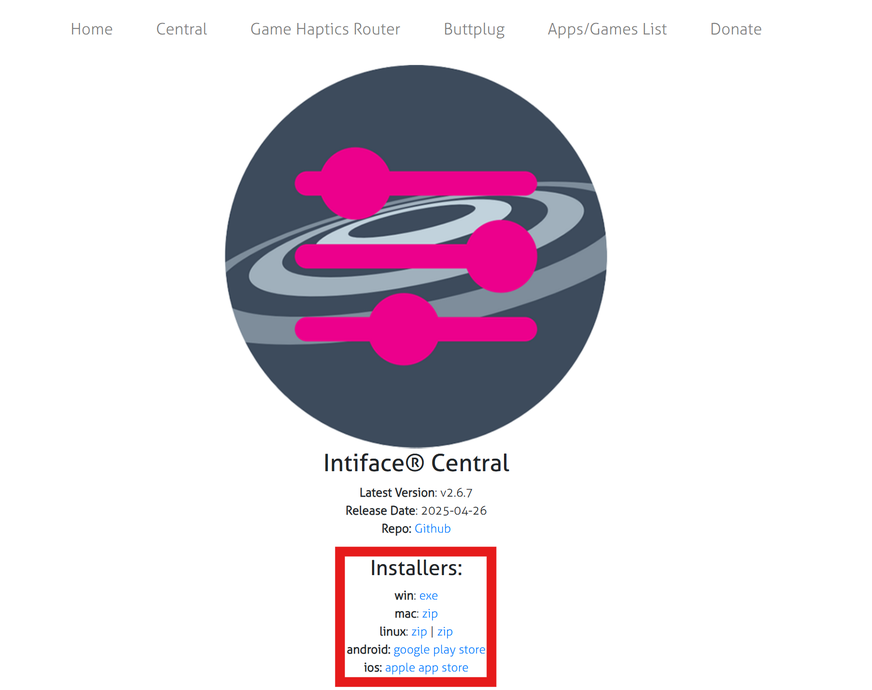
Go to Intiface Central and follow the steps below to download the installer, launch it, and then proceed with the installation.
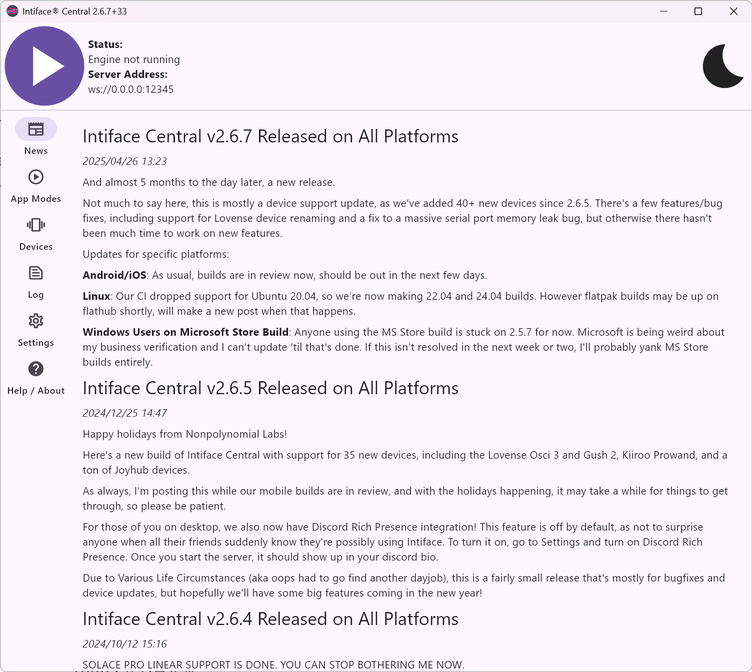
If you see a screen like the image below after launching, the installation was successful.