3. Fine Tuning
Note
This page is automatically translated from Japanese to English. Please refer to the original Japanese page for the most accurate information.
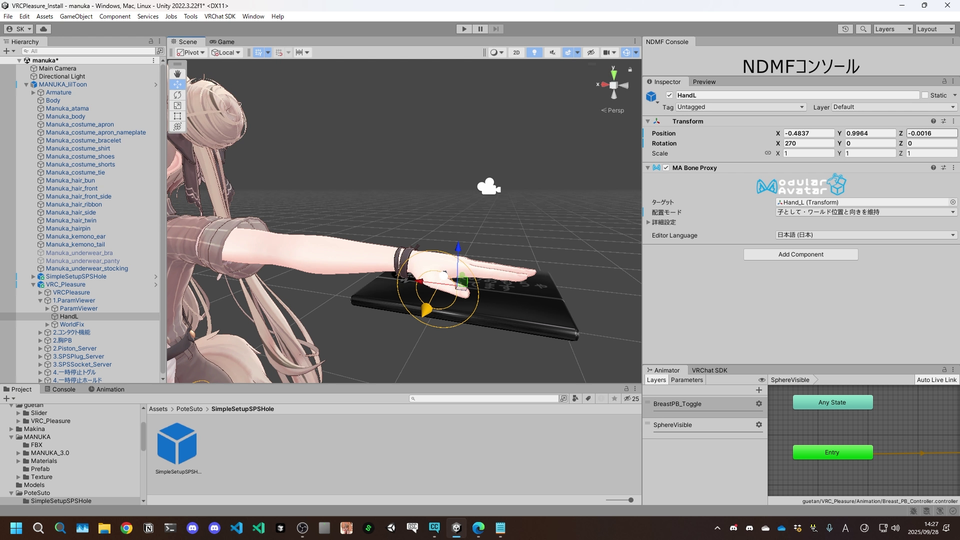
Setting the Tablet Position
Adjust the position of 1.ParamViewer/HandL so that it is placed on the avatar's left hand.
Setting the Contact Function Position
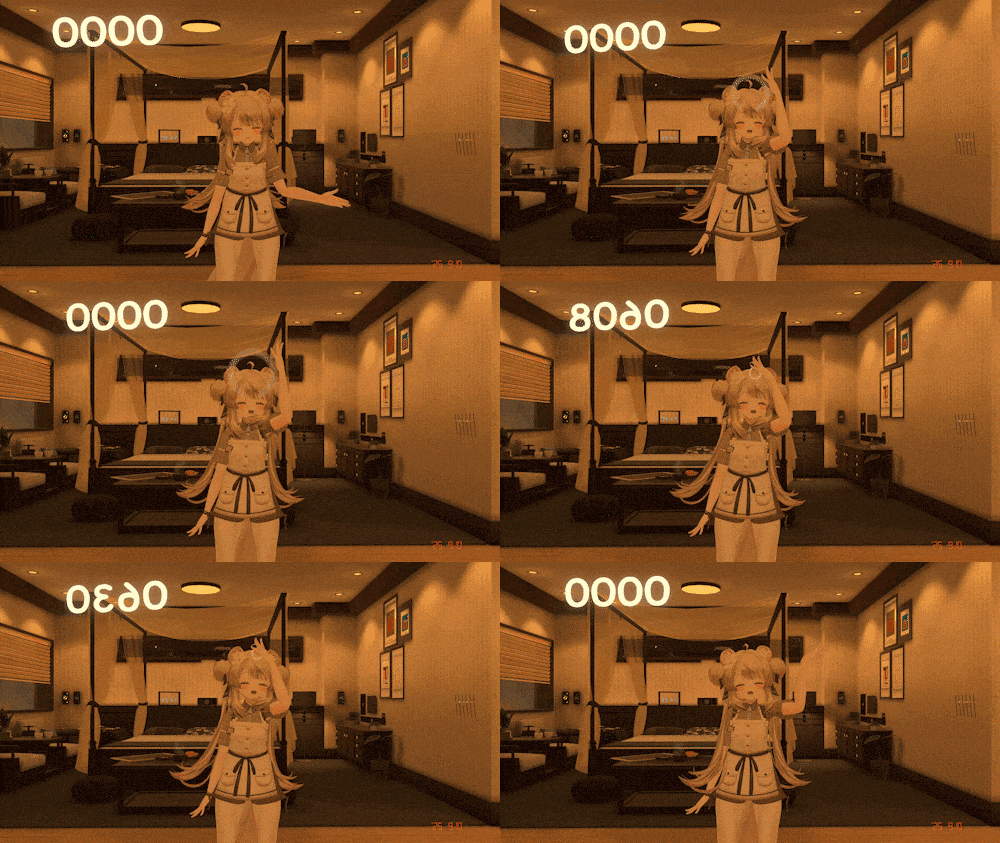
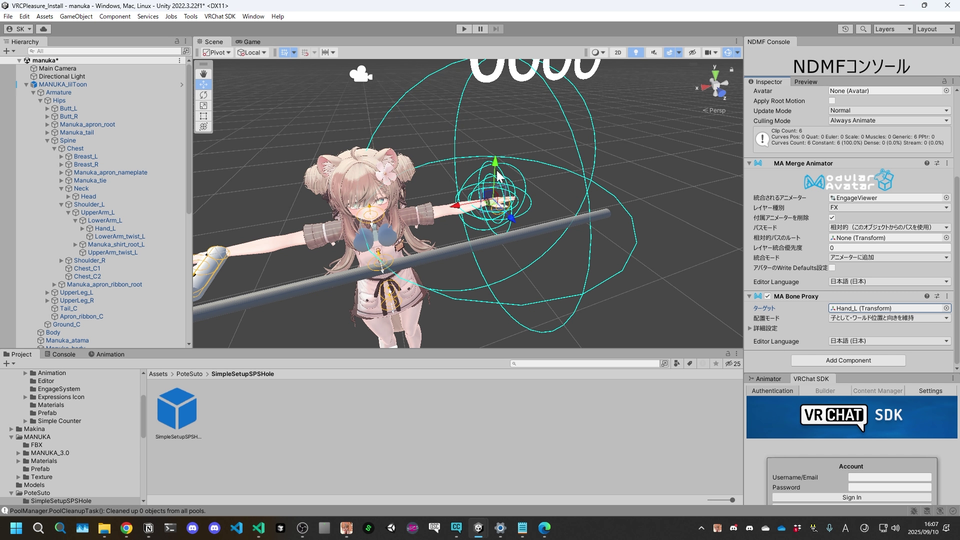
Adjust the position of 2.Contact Function/EngageSystem and place it wherever you like.
By default, it is placed on the head, but please place it at your preferred position, such as the chest or waist.
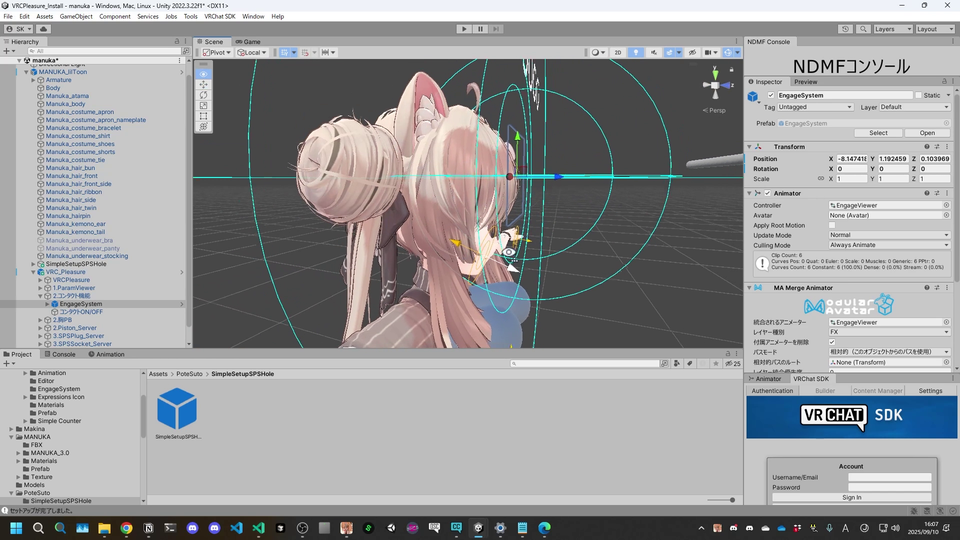
It is possible to set the bone you want to follow using the MA Bone Proxy component.
Setting the Chest Physbone Position
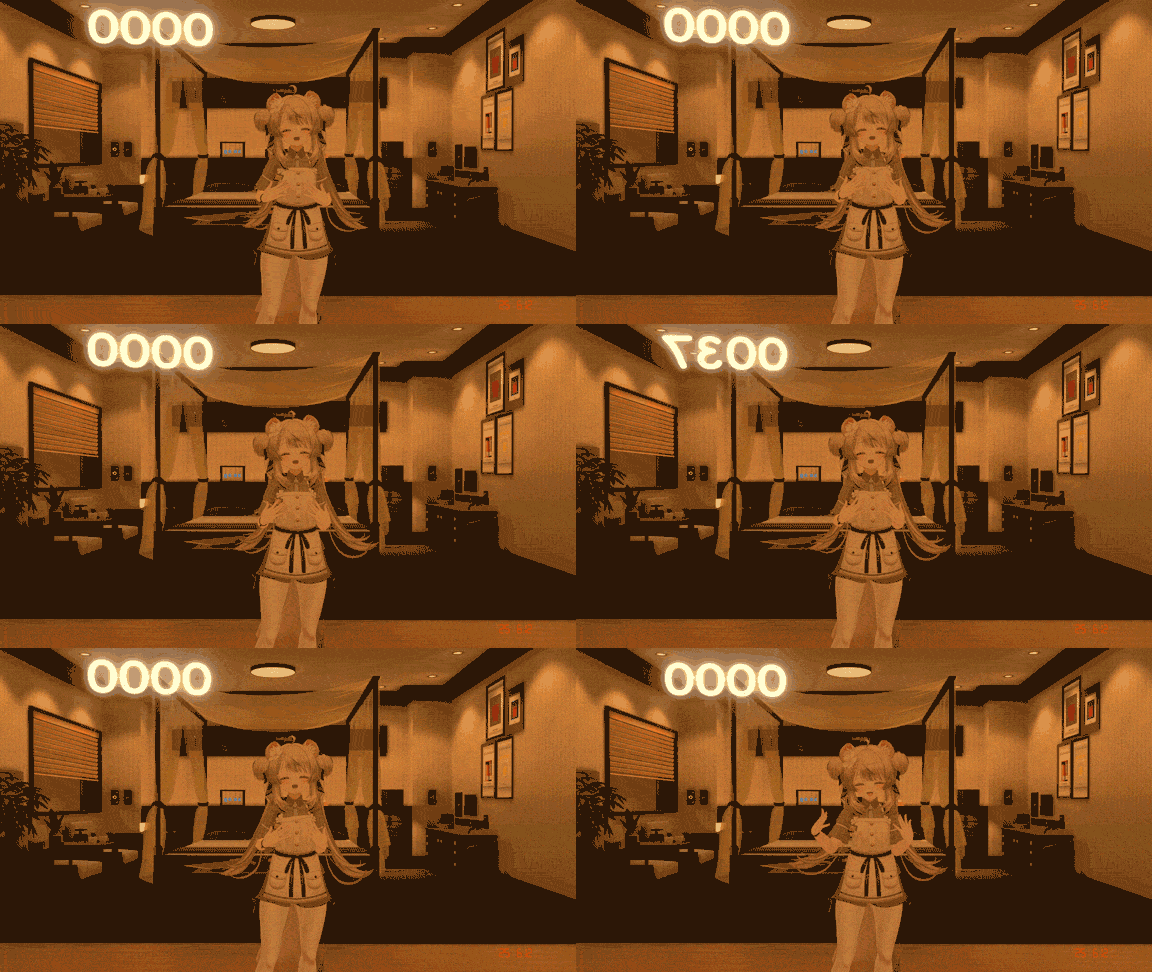
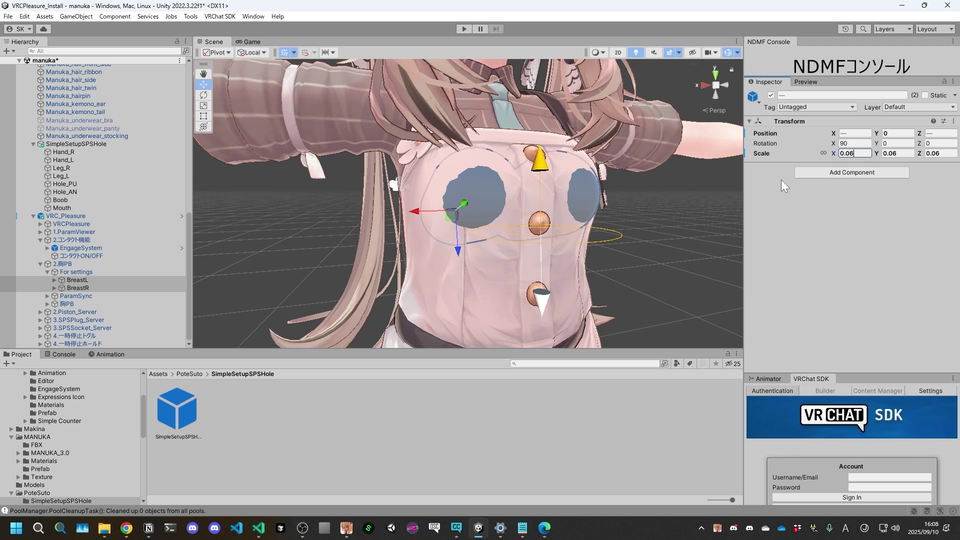
Adjust the position and scale of BreastL and BreastR within 4.Breast_PB/For settings/ and place them on the avatar's chest.
To align the left and right positions, set the X-coordinate values of BreastL and BreastR as inverted values of each other.
It is recommended to place them so that they overlap with the avatar's chest, as shown in the image.